
Repair Tips from Working Technicians
Learn how to maintain your device, recognize when it needs repair, and make smart upgrade decisions—straight from the people who fix them every day.
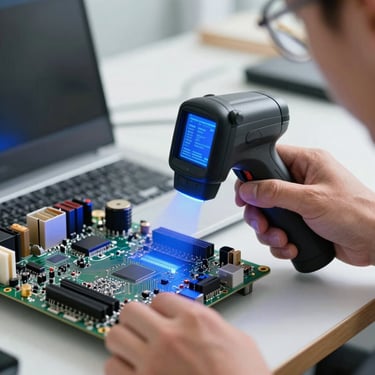
5 Signs Your Laptop Needs Repair Now
Overheating, freezing, strange noises, battery drain—learn which symptoms mean you need a technician today and which can wait. We diagnose all of them.
Browse by Topic
How to Clean Your Laptop Safely
Repair vs. Replace: When to Upgrade
Virus Removal: Signs & Solutions
Dust buildup causes overheating and failures. We show you the safe way to open your device and clean without breaking anything.
A new SSD costs 2,000 pesos; a new laptop costs 30,000. We help you decide what makes sense for your device and budget.
Slow startup, random pop-ups, missing files? We remove malware, restore your system, and show you how to avoid it next time.
Thermal Paste: Why It Matters
Data Recovery: What We Can Save
Gaming Builds: Upgrade Your Rig
Old thermal paste dries out and your laptop runs hot. We replace it, drop temperatures, and add years to your device's life.
Your hard drive failed but your photos, documents, and files are still there. We recover them while you wait—no data lost.
Want better frame rates without buying a new machine? We source parts, install them, and benchmark your gaming performance.
Found What You're Looking For?
Book your repair today. Same-day service, transparent pricing, one-year warranty on all work.